
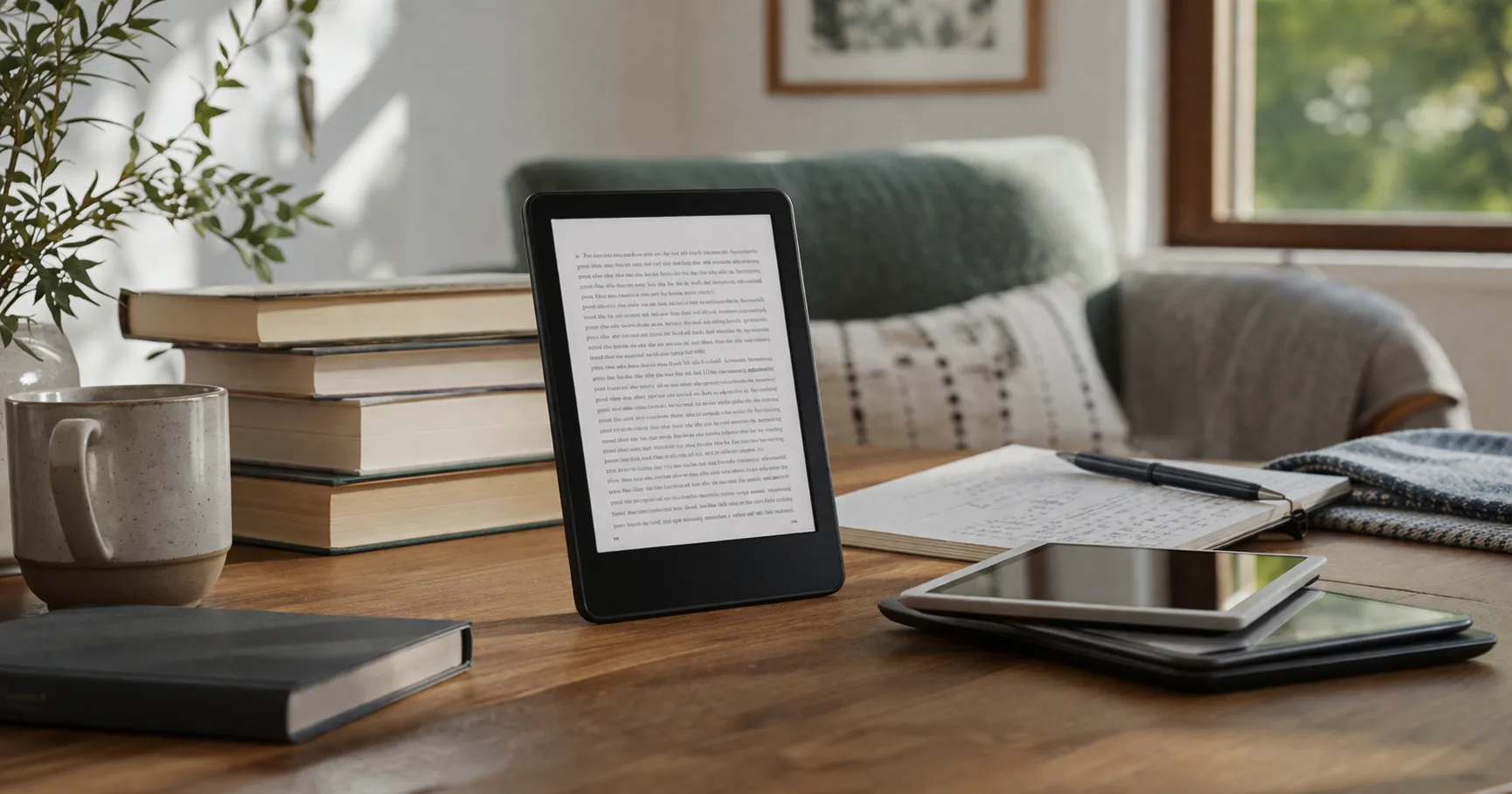
Almost everyone who shops for a Kindle ends up looking at the Paperwhite, and almost everyone hesitates at the same spot: it costs meaningfully more than the basic Kindle, and on a spec sheet the gap looks small. A slightly bigger screen, a bit more battery, some lighting options. Easy to talk yourself out of.
The catch is that those upgrades read as minor on paper and feel major in your hands. This review is about whether that feeling is worth the price for the way you actually read, and where the line sits between the basic Kindle below it and the Signature Edition above it. Spoiler that will not surprise anyone: the standard Paperwhite is the model most people should buy. The useful part is knowing why, and when you are the exception.
If you are buying the reader now, pair it with a cover that matches the 12th-generation 7-inch body: best Kindle Paperwhite cases.
The Kindle Paperwhite 16GB is the model this review is built around. It is the point where a Kindle stops being merely affordable and starts being genuinely comfortable to read on every day, without the premium price of the Signature Edition.
What Actually Changes as You Move Up the Line
The base Kindle, the Paperwhite, and the Paperwhite Signature Edition are not three different reading experiences. They are the same idea at three comfort levels.
The base Kindle is the smallest and cheapest, built around a 6-inch screen. The Paperwhite is where it starts to feel premium: a larger 7-inch glare-free display, longer battery life, lighting that shifts from white to warm amber, and a waterproof body. The Signature Edition keeps that exact Paperwhite experience and layers on the extras a subset of readers want, more storage, an auto-adjusting front light, and wireless charging.
So the smart buy has nothing to do with brand loyalty and everything to do with how you read. Occasional reader on a budget: the base Kindle is plenty. Daily reader who wants the nicest balance of screen, battery, and convenience: the Paperwhite. Already certain you want the premium touches: the Signature Edition.
The honest knock on the Paperwhite is the price. It costs clearly more than the base Kindle, and if you only read a few times a month, you will struggle to feel where that extra money went. The reading software is the same, the store is the same, and a casual reader can be perfectly happy on the cheaper model. If your budget is tight and your reading is light, do not let anyone talk you out of the base Kindle.
For people who read often, though, this is the model that stops the second-guessing. The 7-inch glare-free display feels noticeably roomier than the 6-inch base screen, the battery stretches for weeks rather than days, USB-C charging is one less odd cable to hunt for, and the warm-to-cool lighting genuinely helps at night. The waterproofing is the kind of thing you forget about until the one time it saves your device by the pool or in the bath.
That is the whole case for it. The Paperwhite is the point where a Kindle becomes easy to live with, not just easy to afford. It sidesteps the “I should have bought the better one” regret that trails the base Kindle, while also dodging the diminishing returns of the Signature Edition. For most regular readers, that middle position is the sweet spot.
Skip this if: you read only occasionally, or your budget is tight enough that the base Kindle’s lower price matters more than the comfort gap.
Kindle Paperwhite 16GB
The Paperwhite Signature Edition is for readers who already know they want the extras and would rather not wonder about them later. It keeps the same 7-inch display, waterproof build, and long battery, then adds three things: more storage, an auto-adjusting front light that reacts to the room, and wireless charging so you can drop it on a dock instead of plugging in.
That makes sense for heavy readers with large libraries, anyone who reads across changing light and wants the screen to handle brightness on its own, or people who simply like the convenience of dock charging. None of those upgrades change how a book reads, but together they make the device feel more finished if they fit your habits.
The catch is plain: this is not the value pick. If reading comfort is all you are after, the standard Paperwhite gets you nearly all the way there for less. Treat the Signature Edition as a premium version of an already excellent product, not a necessary step up.
Skip this if: you mainly care about reading comfort and do not specifically want wireless charging, auto-dimming light, or extra storage.
Kindle Paperwhite Signature
The base Kindle is the one to buy when keeping the cost down is the priority. It delivers the essential Kindle in a lighter, smaller body: a 6-inch glare-free display, an adjustable front light, dark mode, quick page turns, and enough storage for a large personal library. It also carries one of the deepest review histories in the lineup, which tells you the budget model earns its keep rather than coasting on the Kindle name.
For a lot of casual readers, that is genuinely enough. It still does the one thing people buy a Kindle for: a quiet, distraction-free device that is far easier on the eyes than a phone. If you read here and there, you will not feel like you missed much.
What you give up is comfort, not capability. The smaller screen is tighter for long sessions, the battery does not last as long as the Paperwhite’s, and there is no waterproofing or warm lighting. Occasional reader: an easy trade to accept. Daily reader: the Paperwhite will feel better the longer you own it.
Skip this if: you read most days, since the smaller screen and shorter battery get old faster than the lower price feels good.
Kindle (Base Model)
Is the Kindle Paperwhite Worth It in 2026?
Yes, for most buyers. The Paperwhite remains the sweet spot of Amazon’s e-readers, the model that balances screen size, battery, and price without asking you to compromise or overspend.
The base Kindle is still the right call on a tight budget or for light reading, and the Signature Edition is still the right call if you genuinely want more storage, an auto-adjusting light, and wireless charging. But the standard Paperwhite is the one that makes the strongest case on its own terms, which is exactly why it is also the most-reviewed model of the three.
The short version: base Kindle if price leads, Signature Edition if you already want its extras, and the Paperwhite if you want the safest all-around choice.
Is the Paperwhite worth more than the basic Kindle?
For most regular readers, yes. The larger screen, longer battery, warm adjustable lighting, and waterproofing add up to a device that feels noticeably nicer over months of daily use. Light readers can save money with the base model.
Is the Signature Edition better than the standard Paperwhite?
Only if you want its specific extras. The core reading experience is the same, so the Signature Edition is a premium convenience upgrade rather than a necessary one.
Is 16GB enough storage for a Kindle Paperwhite?
For most readers, yes. If you mainly read books rather than store large illustrated files or audiobooks, 16GB has plenty of headroom. The larger Signature Edition storage is for heavier libraries.
Who should skip the Paperwhite?
Lighter readers and anyone on a tight budget can comfortably buy the base Kindle instead. The Paperwhite pays off most for people who read often enough to feel the comfort upgrade.
What is the safest Kindle to buy in 2026?
The standard Paperwhite. It avoids the compromises of the base Kindle and the weaker value of the Signature Edition, which is why it is the model most readers land on.