
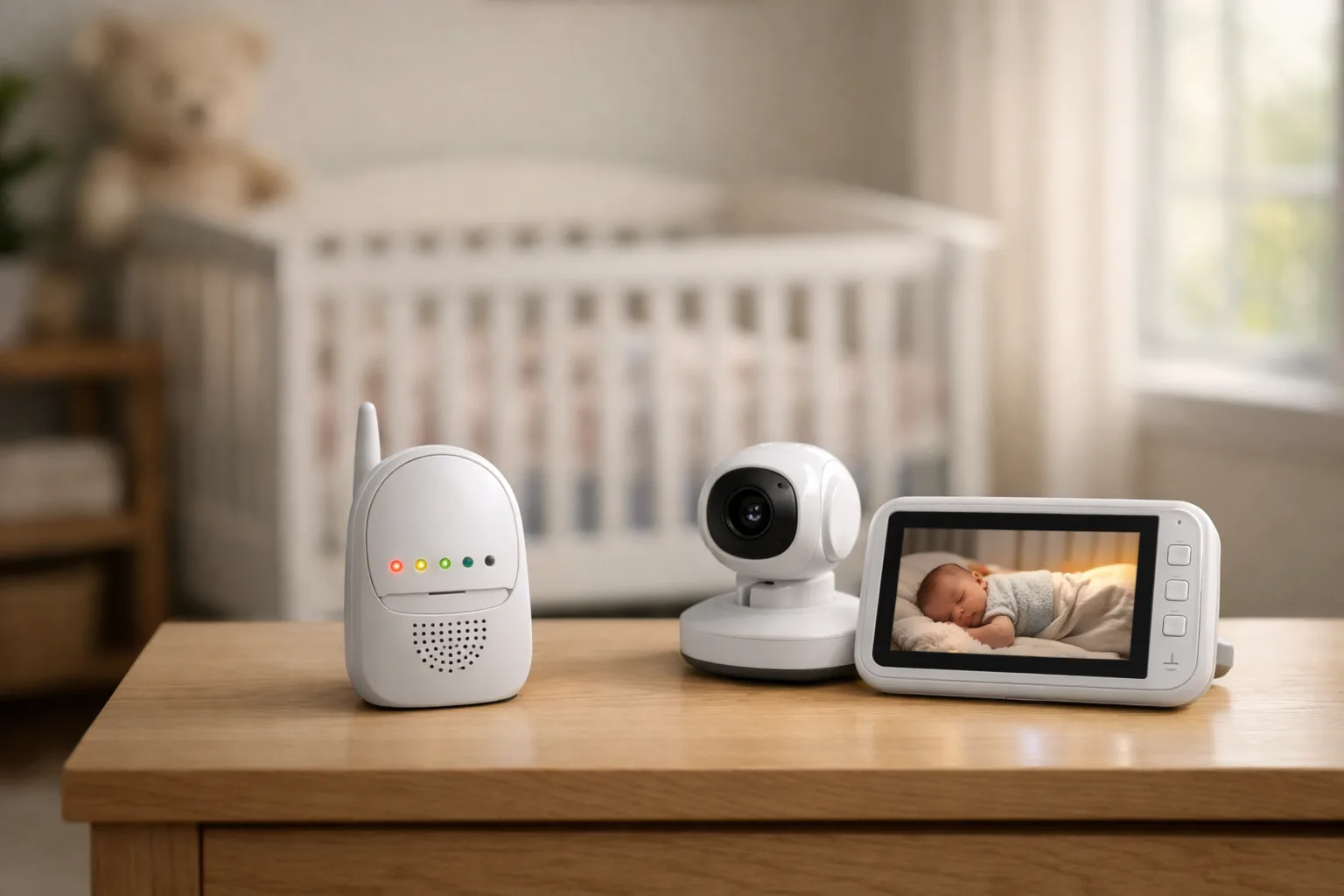
A discount badge on a baby monitor tells you almost nothing. The baby category is one of the busiest corners of Amazon, and the listings page is a jumble: audio-only units sit next to six-inch video models, privacy-focused no-WiFi picks share a row with feature-stuffed generics that vanish after a season. A price drop on the wrong monitor is not a deal. It is just a cheaper way to buy the wrong thing.
So this guide flips the usual approach. Instead of chasing whatever is marked down today, it walks through how to judge a baby monitor deal on its own terms, then points to five monitors that genuinely hold up. Some are video, some are audio-only, because those are two different jobs with two different value stories. The goal is simple: help you recognize a monitor worth your money whether you read this in spring or six months from now.
The short version is that the best deal is the one that matches the job you actually have. Read the situations below, decide whether you need a screen or just clear sound, and the rest gets easy.
If you want one monitor to cover the main nursery and you would rather not deal with an app, start with the HelloBaby No WiFi 5-inch. It pairs a deep, trusted review base with a complete video setup: a dedicated parent screen, remote pan and tilt, night vision, and two-way audio, all without touching your home WiFi.
Who Each One Is For
Before the individual write-ups, a quick map of which parent each monitor suits:
- You want one main video monitor and no app: the HelloBaby 5-inch is the safe default.
- You only need to hear the baby and want to spend as little as possible: the budget VTech audio monitor.
- You want video but refuse to pay flagship video pricing: the ANMEATE 5-inch.
- You are sure you want audio-only but want real features, not the bare minimum: the VTech DM221.
- A bigger bedside screen is the thing you care about most: the HelloBaby 6-inch.
The HelloBaby 5-inch is the cleanest nursery-primary buy in this group. It is not the cheapest, but it earns the spend by being complete: a dedicated parent screen, remote pan and tilt, night vision, two-way audio, and a no-WiFi connection that a lot of parents actively prefer over an app-dependent setup.
What makes it a good value rather than just a popular listing is balance. The review base is deep enough to trust, the features cover the real job without piling on app gimmicks, and owner feedback keeps landing on the same practical wins: easy setup, a stable connection, usable night viewing, and a parent unit that is simple to live with day to day.
Skip this if: you only need to hear the baby from the next room, in which case you are paying for a screen you will not use.
HelloBaby No-WiFi 5"
The upgraded VTech audio monitor is the value play. It is the lowest-priced option here, and that price works because the product stays focused: clear audio, simple setup, long range, visual sound indicators, and a rechargeable parent unit. No screen, no app, no clutter.
The case for it is the sheer weight of owner feedback. This is the most-reviewed monitor in the group by a wide margin, which means its strengths and its limits are both well documented rather than a guess. That kind of track record is rare on a budget listing, and it is exactly what separates a real value pick from a cheap gamble.
Skip this if: you want to check crib position or room activity on a screen. This one only listens.
VTech DM111 Audio Monitor
The ANMEATE 5-inch fills a real gap: a genuinely low-cost video monitor that still clears a meaningful review threshold. It costs far less than the HelloBaby video models while covering the features most parents actually want, which is why it is easier to recommend than the typical thinly reviewed bargain monitor.
You get a 5-inch screen, remote pan and tilt, two-way audio, night vision, a VOX power-saving mode, and room-temperature readings, all on a closed no-WiFi system. Owner feedback is solid, though its review base is lighter than the leaders and a few buyers mention quality-control or multi-camera quirks. Treat it as a smart budget video buy, not a premium one.
Skip this if: you plan to expand into a complex multi-camera nursery setup, where a deeper-validated system is the safer bet.
ANMEATE 5" HD Video
The VTech DM221 is the audio-only monitor for parents who know they do not want a screen but still want a capable, deliberate device rather than the bare minimum. It carries the highest rating in this group, backed by a large review base, so its reputation is well earned.
The feature mix is the draw: a talk-back intercom, adjustable sound sensitivity, vibrating sound alerts, and a night light on the baby unit. That makes it a good fit anywhere audio clarity and alerts matter more than watching a screen, including overnight listening, room-to-room coverage, or caregiving that has nothing to do with a nursery.
Skip this if: you want any kind of video check-in, since this stays firmly in audio territory.
VTech DM221 Audio
The HelloBaby 6-inch IPS model is for the buyer whose top priority is screen size. It sits close to the 5-inch flagship on price while trading some review depth for a bigger, easier-to-read display and a more comfortable bedside viewing angle.
The argument for it is not that it beats the 5-inch across the board. It is that some parents and grandparents simply want a larger screen and easier glanceability, and this delivers that without jumping into a much higher price tier. It keeps the features you expect from a primary video monitor: no-WiFi pairing, pan and tilt, night vision, two-way audio, and a long battery claim. The review base is the thinnest here, so treat it as a targeted pick rather than a default.
Skip this if: screen size is not a real priority for you, in which case the 5-inch is the more proven buy for similar money.
HelloBaby 6" IPS
Decide audio versus video before you look at any price
The cheap audio monitors here are not weaker versions of the video picks. They are a different tool. If you mainly want to hear crying or movement from another room, audio-only can be the smarter spend. If you want to check sleep position or nursery activity at a glance, you need a screen. Sorting this first stops you from buying a discounted monitor that does the wrong job.
Let review depth filter out the look-alikes
This category is full of interchangeable monitor listings that appear and disappear. The dependable ones tend to separate themselves once they have enough owner feedback to show repeat strengths and repeat complaints. A monitor with a long, stable track record is a safer bet than a brand-new listing with a flashy price, even when both show the same discount.
Pay for screen size or remote camera control only if you will use it
A large parent display, pan-and-tilt movement, and two-way audio are worth the extra money for a main nursery monitor. They matter far less for a cheap backup, a travel setup, or a unit at the grandparents’ house. Matching the feature set to the role is how you turn a listed price into an actual deal.
How do I tell a real baby monitor deal from a cheap listing?
Ignore the badge and check three things: whether it is the right type for your needs, whether it has a deep and stable review base, and whether the features match how you will use it. A low price only counts as a deal when the monitor fits the job.
Is the highest-rated monitor always the best buy?
No. A slightly lower-rated monitor with a much deeper review base can be the safer choice, especially here where generic listings come and go. Volume of feedback matters as much as the star number.
Do I need a video monitor, or is audio enough?
It depends on the job, and that is a real answer here. If you only need to hear the baby from another room, audio-only is cheaper and simpler. If you want to see sleep position or room activity, you need video. Decide this before comparing prices.
Why pick a no-WiFi monitor over a smart one?
Many parents prefer no-WiFi monitors because setup is simpler, privacy concerns are lower, and the monitor keeps working without depending on an app or home internet. The tradeoff is no remote phone viewing from outside the house.
Should I just buy the cheapest one?
Only if it still fits your needs. A cheap audio monitor is a poor buy if you actually need video, and a thinly reviewed video monitor is a poor buy if the low price is hiding reliability risk. Match the monitor to the job first, then let price break the tie.
Does a bigger screen actually matter?
Only if bedside glanceability is a priority for you. A larger display is easier to read at a distance, but it is not worth paying extra for if you mostly check the monitor up close or briefly.