
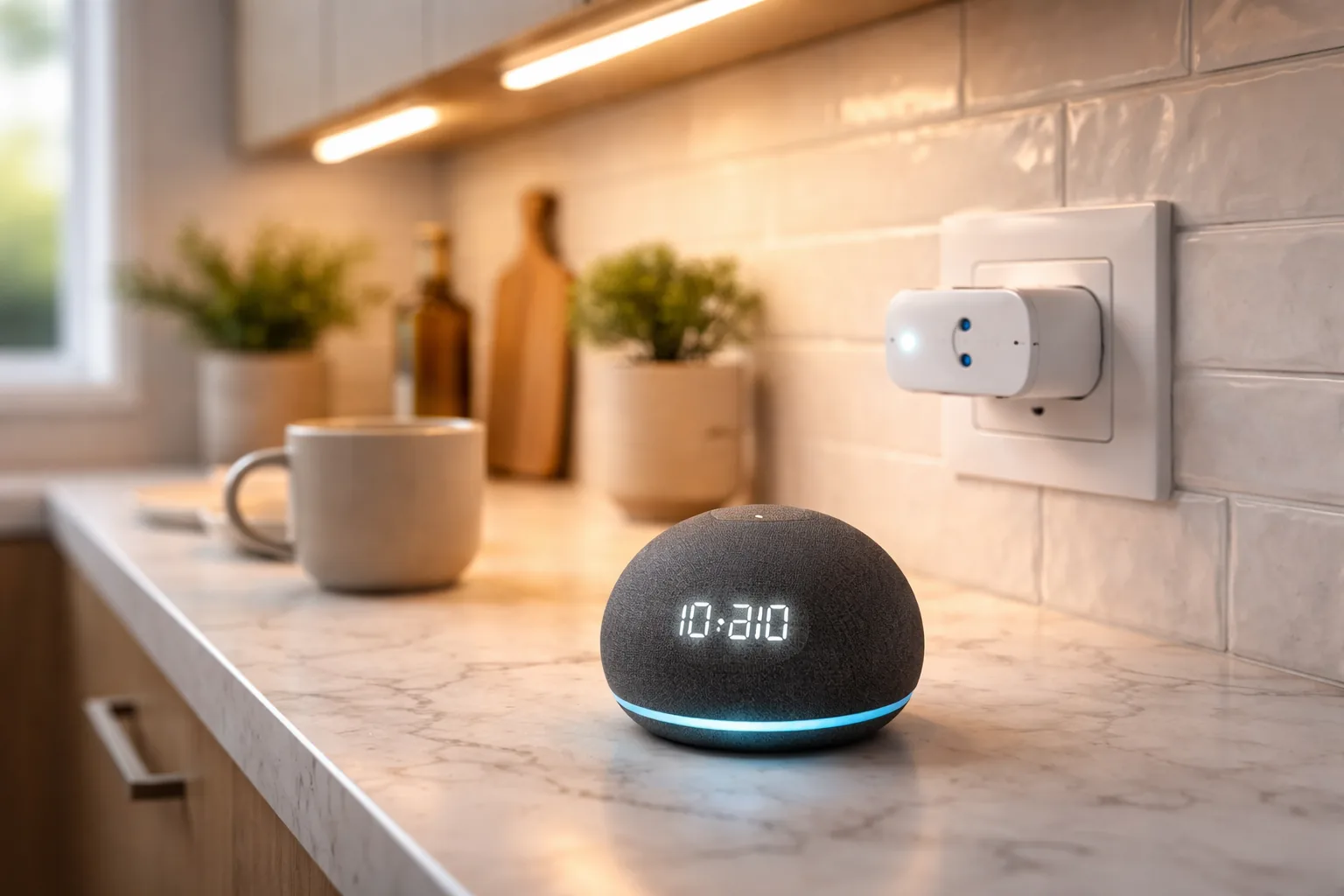
The most common smart home mistake happens before you buy a single device: people pick gadgets one at a time and only later discover the pieces do not all talk to each other. Smart home tech is genuinely useful now, saving time, adding a little security, making a home more responsive, but the value comes from devices that cooperate, and that cooperation depends on a decision most buyers skip. Which voice ecosystem are you committing to, and are you starting small enough to learn what you actually want?
Get those two right and the rest is easy. Choose your platform first, then add a plug or two before you spend on anything bigger, and see which corners of your home actually benefit. Almost nobody needs a wall-sized display on day one. Most people are better served by a couple of cheap smart plugs that prove the concept, after which a display earns its place once you know where you would use it.
The five picks below are the sensible starting points: the plugs that turn ordinary devices smart, and the displays that add a visual hub where it helps. Each is matched to a place in the home and a role, so the job is to find your entry point rather than buy the whole catalog at once.
Our Top Pick
The Amazon Smart Plug is where most people should start: one of the most-reviewed smart home devices on Amazon, with setup so quick it is genuinely painless. It turns any ordinary lamp, fan, or seasonal lights into something you can control by voice or schedule.
What the Data Shows
- Products analyzed
- 5
- Average rating
- 4.5
- Price range
- budget to premium
- Top rated
- Amazon Smart Plug
- Most reviewed
- Amazon Smart Plug
Top 5 Picks at a Glance
| Product | Check |
|---|---|
| Amazon Smart Plug, Works with Alexa, Simple Setup, Endless Possibilities | (opens on Amazon) |
| Kasa Smart Plug HS103P4, Smart Home Wi-Fi Outlet Works with Alexa, Echo, Google Home & IFTTT, No Hub Required, Remote Control, 15 Amp, UL Certified, 4-Pack, White | (opens on Amazon) |
| Amazon Echo Spot (newest model), Great for nightstands, offices and kitchens, Smart alarm clock, Designed for Alexa+, Glacier White | (opens on Amazon) |
| Amazon Echo Show 5 (newest model), Smart display, Designed for Alexa+, 2x the bass and clearer sound, Charcoal | (opens on Amazon) |
| Amazon Echo Show 15 (newest model), Full HD 15.6" kitchen hub for home organization, with built-in Fire TV, Designed for Alexa+ | (opens on Amazon) |
Reviews
Amazon Smart Plug, Works with Alexa, Simple Setup, Endless Possibilities
This is the starting point for most people moving into a smart home, and it does one thing extremely well: it turns a dumb device into a smart one. The setup is the standout, with a code you scan that connects the plug to your WiFi in seconds, no app hunting or confusing sign-in screens. It is one of the most-reviewed smart home devices anywhere, and "faster to set up than to unbox" is a refrain you see again and again.
It needs no separate hub, connecting straight to WiFi and working with Alexa for voice control, the app, or automated routines, and the response is fast enough that automation feels immediate. It also reconnects on its own after a power outage, which matters more than you would think, since plenty of smart devices stay offline until you intervene. The main limit is that it is Alexa-only, and on tightly spaced outlets its width can block the neighbor.
Skip this if your household uses Google Home or you want to keep your options open. The Kasa pack below is the cross-platform choice.
Pros
- Extremely quick setup
- Reliable with Alexa for voice and routines
- No hub required
- Reconnects automatically after outages
Cons
- Works only with the Alexa ecosystem
- Can block a second outlet on tight setups
Kasa Smart Plug HS103P4, Smart Home Wi-Fi Outlet Works with Alexa, Echo, Google Home & IFTTT, No Hub Required, Remote Control, 15 Amp, UL Certified, 4-Pack, White
The Kasa four-pack wins on economics, but the real advantage is flexibility. These plugs work with Alexa, Google Home, and other automation services, which matters if you are not fully committed to one platform or if someone in the household prefers Google. Setup runs through the Kasa app rather than a scan, and it is still straightforward.
The specs are solid, with ample power-handling per plug and safety certification, and they store their programming locally, so they keep working even if your internet drops, as long as your WiFi router is up. Kasa has a dependable reputation, and reviews reflect multi-year reliability. The downsides are physical and small: the plugs are thicker than the Amazon one and can block a neighboring outlet, the app wants location services enabled, and they run on the common 2.4GHz band only.
Skip this if you are all-in on Alexa and want the slimmest possible plug. The single Amazon plug is more compact and integrates a touch more tightly.
Pros
- Strong value as a four-pack
- Works with both Alexa and Google Home
- Keeps working locally if the internet drops
- Dependable, multi-year track record
Cons
- Thicker plugs that can block a second outlet
- The app wants location services enabled
Amazon Echo Spot (newest model), Great for nightstands, offices and kitchens, Smart alarm clock, Designed for Alexa+, Glacier White
The Echo Spot is a compact smart display sized for a nightstand. Its small round screen is just right beside a bed, big enough to read the time, an alarm, or a notification, small enough that it does not dominate the table. The design is thoughtful, with customizable clock faces and sound that is bigger than the size suggests, good enough for music, podcasts, or audiobooks. Gentle wake-up routines with a sunrise effect make for a calmer morning.
Setup is straightforward, the connection is reliable, and it leans into Alexa routines, which makes good-morning and good-night automations easy to build. The weak spot is night reading: when the display auto-dims, it can be hard to read at 3am, and a few owners mention occasional dark-screen quirks that updates have generally addressed. Clock-face options are also more limited than you might expect.
Skip this if you want a general-purpose display for the kitchen or living room. The Spot is optimized for the bedside and is small for anything else.
Pros
- The right size for a nightstand
- Surprisingly good sound for its size
- Helpful alarm, reminder, and wake-up features
- Easy setup and reliable connection
Cons
- The dimmed display is hard to read at night
- Limited clock-face customization
Amazon Echo Show 5 (newest model), Smart display, Designed for Alexa+, 2x the bass and clearer sound, Charcoal
The Echo Show 5 is the practical, do-a-bit-of-everything display. Its small screen fits on a counter or desk without taking over, and the audio is more capable than the size implies. It is a sensible entry into Alexa's visual side: checking weather, following a recipe while cooking, watching a quick news briefing, making a video call, or controlling smart home devices, with on-screen prompts that make setup beginner-friendly.
It is honest about being an affordable device. Some features lean on paid subscriptions, the software can occasionally stutter with a freeze or a laggy transition, there is no native Netflix app, and video calls are not always rock-solid even on good WiFi. Its rating reflects that balance: people generally like what it does while being aware of the rough edges. For an inexpensive way to add a visual Alexa to a room, it does the job.
Skip this if you want a flawless media or video-call experience. The occasional lag and the subscription nudges can frustrate if that is your main use.
Pros
- A compact size that fits any room
- A clear, bright display
- Good for recipes, video calls, and quick info
- Beginner-friendly setup
Cons
- Some features push paid subscriptions
- Occasional freezing and laggy transitions
Amazon Echo Show 15 (newest model), Full HD 15.6" kitchen hub for home organization, with built-in Fire TV, Designed for Alexa+
The Echo Show 15 is the opposite of minimalist, a large display made to live on a wall and run a household. The screen is big enough to show recipes, a family calendar, shopping lists, and a smart home dashboard at once, and the built-in streaming is genuine added value rather than a gimmick, letting you watch a show or a cook-along without a separate device. Video calling on a screen this size changes the experience, and an auto-framing camera keeps you centered as you move around the kitchen.
It is a feature-rich device, so there is a real learning curve, and understanding everything it can do takes time. The large panel can feel cramped next to a full computer monitor despite the size, the on-screen clock is smaller than you might want for quick glances, and ads on the home screen need manual tidying. It is an investment that makes sense for a comprehensive setup or a kitchen-focused household; for casual use, the smaller Show is usually the better value.
Skip this if you are just getting started or want the best value. Begin with plugs and a compact display, and step up to this only once you know you want a full hub.
Pros
- A large, family-organizing display
- Built-in streaming adds real value
- Strong sound and advanced video calling
- Quick, responsive performance
Cons
- A learning curve and a premium price
- Ads on the home screen need manual removal
The trade-off: plugs first, or a display first
Most people considering a smart home picture a display, but the smarter first purchase is usually a couple of plugs. Smart plugs are cheap, do one useful thing, and let you discover where automation actually helps, the lamp you always forget, the fan, the seasonal lights, before you commit real money. You can build a genuinely useful setup from plugs alone, adding voice control and schedules to things you already own.
A display is the upgrade that adds a visual hub and a central place to see and control everything, but it earns its keep only once you know where you would put it and what you would use it for. The Echo Spot suits a bedside, the Echo Show 5 a general room, and the Echo Show 15 a kitchen command center, and none of them is a day-one necessity. So start with one or two plugs, live with them for a week, and let your own habits tell you whether a display belongs in your home and which one. That order saves money and avoids the gadget that ends up unplugged in a drawer.
How to Choose Smart Home Devices
Pick your ecosystem first. Amazon's Alexa and Google's Home do not cooperate well, so decide which one you are building around and buy mostly compatible devices. The Kasa plugs are valuable precisely because they work with both, which is the hedge if you are unsure or mixing platforms in one household. Choose based on what you already use day to day.
Plugs versus displays. Plugs are cheap, simple, and the right starting point, with each one turning a device smart. Displays add a visual hub and central control, but you need fewer of them and they cost more. Most people start with plugs and add a display later if the visual interface proves useful.
Mind your WiFi. Every device needs reliable WiFi, and many plugs use the 2.4GHz band, so a device placed in a weak-signal corner will be unreliable there. Plan your coverage before scattering devices around the house.
Think about privacy. Displays listen for a wake word and rely on the cloud, and they include a mute switch that disables the microphone, which is worth using in bedrooms. Plugs with local programming, like the Kasa, are inherently more private than an always-listening display if that is a priority.
Do I need a hub for smart plugs?
No. Both the Amazon and Kasa plugs connect straight to WiFi without a separate hub. Echo displays can act as a hub for other Alexa-compatible gear if you want, but basic plug automation does not require one.
Can I use the Echo displays without Alexa?
Not really. The displays are built around Alexa's voice interface and smart home control. You can watch content on them, but the core experience depends on Alexa, so they are not a good fit if you avoid voice assistants.
Which of these work without internet?
The Kasa plugs keep running on their local programming even when the internet is down, as long as your WiFi router is up. The Echo displays need internet to work fully. Plugs still rely on your router but keep local controls if cloud access is lost.
Is it safe to leave smart plugs in permanently?
Yes. They are designed for permanent use, reconnect after outages, and handle extended operation without trouble. The Amazon plug in particular has a strong reputation for multi-year reliability.
Do I need several hubs for a big house?
Not necessarily. A single capable display can serve as a hub for the whole home if your WiFi reaches everywhere. In larger homes, placing a device in each main zone, kitchen, bedroom, living room, improves range and reliability, but it is an option rather than a requirement.
As an Amazon Associate I earn from qualifying purchases. Prices and availability change frequently — use the Amazon button to check current pricing.