
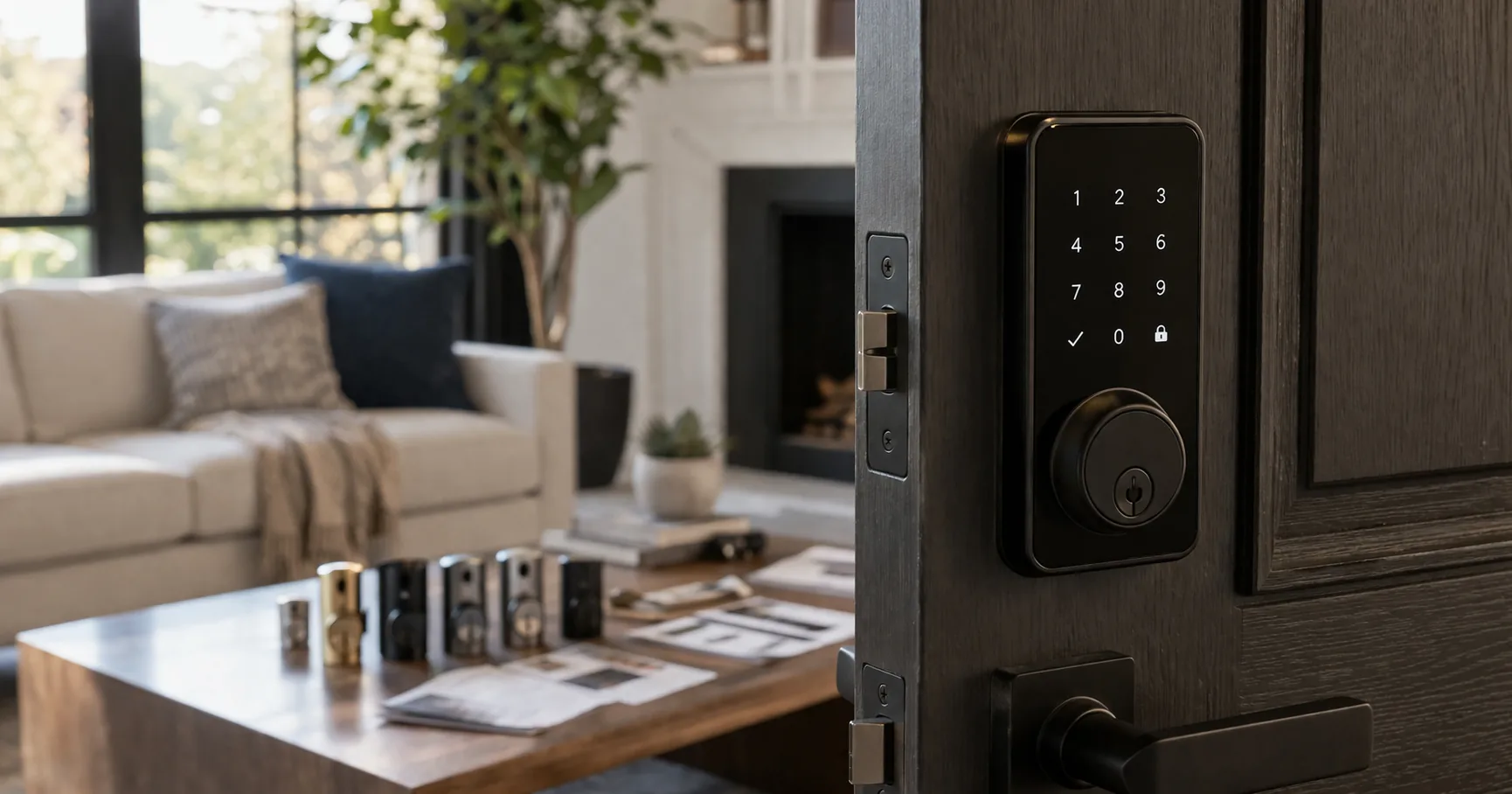
Smart locks all photograph the same way: a sleek keypad, a finger hovering over it, a phone showing a green "unlocked." The catch is that none of that tells you how the thing behaves on day ninety, when the app needs a re-login at the worst moment or the keypad gets flaky in the cold. This is front-door hardware. The stuff that matters, connectivity, app reliability, keypad and fingerprint behavior over time, only reveals itself after installation.
That's why this guide leans less on feature checklists and more on fit and track record. The right lock depends on how you actually come and go. Do you want to ditch keys entirely with a fingerprint? Do you rent and need something that won't alarm a landlord? Do you live inside a particular smart-home ecosystem? And how much do you want a long, proven history behind a lock before you trust it with your front door? Sort those out, and the field narrows fast.
Below are five smart locks worth considering, each matched to the buyer it actually suits.
- Products analyzed
- 5
- Average rating
- 4.4
- Price range
- budget to premium
- Top rated
- LOCKSTAR Smart Lock (4.6)
- Most reviewed
- Schlage Encode
Our Top Pick
For most buyers, the Philips Wi-Fi Door Lock is the best starting point. It covers the full modern checklist, built-in Wi-Fi, app control, fingerprint, keypad, and voice-assistant support, without leaping to premium pricing or asking for an extra hub. If you want one lock that does it all at a fair price, start here.
Five Picks at a Glance
| Product | Check |
|---|---|
| Philips Wi-Fi Door Lock, WiFi Smart Lock Keyless Entry Deadbolt for Front Door, Compatible with Alexa & Google Assistant, Remote Control, Built-in WiFi, APP Fingerprint Passcode Unlock, Auto Locking | (opens on Amazon) |
| ULTRALOQ Bolt SE Smart Lock, Built-in Wi-Fi, Matter Over Thread, Works with Apple Home, Alexa, Google, 7-in-1 Keyless Entry Deadbolt with Fingerprint ID, App, Keypad, Remote Control, 18 Months Battery | (opens on Amazon) |
| Schlage Encode Smart Wi-Fi Deadbolt Lock with Touchscreen Keypad, Keyless Front Door Entry, App Control, Alexa, Google Home and Airbnb Compatible, Matte Black, BE489WB CEN 622 | (opens on Amazon) |
| LOCKSTAR® Smart Door Lock • Keyless Entry Deadbolt Door Lock • Multiple Entry Methods – APP • Fingerprint Touch ID • Keypad Code • Card FOB • Traditional Key • Smart Home Devices | (opens on Amazon) |
| eufy Security Smart Lock C220, Fingerprint Keyless Entry Door Lock, Built-in Wi-Fi, App Remote Control, Front Door Smart Lock Deadbolt, 8Months Battery, Reliable Power, IP53 Waterproof, BHMA Grade 3 | (opens on Amazon) |
Which Lock Fits How You Live?
A quick read on where you land before the details:
- You want everything in one lock without a hub: the Philips covers the full feature set at a reasonable price.
- You want the most features per dollar: the ULTRALOQ Bolt SE pairs a low price with a deep, proven base.
- You want the safest, most-established name: the Schlage Encode has by far the longest track record here.
- You want a convenient, feature-forward lock and care about ratings: the LOCKSTAR is the highest-rated pick.
- You want a balanced everyday lock with fingerprint and Wi-Fi: the eufy C220 sits comfortably in the middle.
Reviews
Philips Wi-Fi Door Lock, WiFi Smart Lock Keyless Entry Deadbolt for Front Door, Compatible with Alexa & Google Assistant, Remote Control, Built-in WiFi, APP Fingerprint Passcode Unlock, Auto Locking
The Philips Wi-Fi Door Lock earns the top spot because it offers the broad feature mix most buyers want without climbing into premium pricing. Built-in Wi-Fi, app control, fingerprint access, keypad entry, and voice-assistant support add up to a lock that feels fully modern rather than a stripped-down budget option. For someone who wants one lock that ticks the whole smart-lock checklist, it's an easy all-around recommendation.
Its best case is the buyer who doesn't want to assemble an ecosystem. No extra hub, no complicated setup, just a front-door lock that does the common jobs out of the box. At its price, that balance of features and simplicity is hard to argue with.
Skip this if you specifically want the longest, most-proven track record. Its base of owners is solid but smaller than the category's veterans, so treat it as the most balanced feature pick rather than the safest high-volume choice.
Best for: buyers who want a complete, modern lock at a fair price without extra hardware.
Pros
- A strong feature mix for the price
- Built-in Wi-Fi with no extra hub needed
- Multiple entry methods for flexible daily use
- A modern front-door lock without premium cost
Cons
- A smaller ownership base than the most established listings
ULTRALOQ Bolt SE Smart Lock, Built-in Wi-Fi, Matter Over Thread, Works with Apple Home, Alexa, Google, 7-in-1 Keyless Entry Deadbolt with Fingerprint ID, App, Keypad, Remote Control, 18 Months Battery
The ULTRALOQ Bolt SE is the value standout because it pairs a lower price with a much deeper base of owners than most of the field. That's a strong combination in a category where reliability beats flashy extras. With broad smart-home compatibility and a large, established ownership history, it's one of the cleanest value cases here.
It's the pick for someone who wants a feature-rich lock without spending top-tier money. The deep review history also means you're not gambling on launch-window noise; recurring strengths and complaints are easy to read before you buy, which is exactly what you want from front-door hardware.
Skip this if you want a premium-looking, premium-positioned lock. This wins on substance and value, not on prestige or styling.
Best for: buyers who want maximum features and proven reliability for the lowest sensible price.
Pros
- A lower price backed by a deep base of owners
- Better value than many feature-heavy alternatives
- Broad smart-home compatibility
- Easy to trust thanks to its long track record
Cons
- Not the most premium-looking lock in the group
Schlage Encode Smart Wi-Fi Deadbolt Lock with Touchscreen Keypad, Keyless Front Door Entry, App Control, Alexa, Google Home and Airbnb Compatible, Matte Black, BE489WB CEN 622
The Schlage Encode is the most popular pick, with the deepest base of owners in this guide and the recognition that comes from being a mainstream staple. If your instinct is to buy the most established option for something as important as your front door, this is the obvious starting point.
Its appeal is trust and familiarity more than price. You pay more, but you're buying into one of the most proven high-volume smart locks available, with a long record of real-world use behind it. For a security purchase, that peace of mind is worth a lot to many buyers.
Skip this if you're optimizing for value. It's the priciest lock here, and you're paying partly for the established name rather than for a feature advantage over the cheaper picks.
Best for: buyers who want the most-proven, best-known lock and will pay for that confidence.
Pros
- The deepest base of owners in this guide
- A strong mainstream confidence signal
- A well-established name in smart locks
- A sensible pick when track record matters more than price
Cons
- The highest price in the lineup
LOCKSTAR® Smart Door Lock • Keyless Entry Deadbolt Door Lock • Multiple Entry Methods – APP • Fingerprint Touch ID • Keypad Code • Card FOB • Traditional Key • Smart Home Devices
The LOCKSTAR smart lock is the rating leader here, pairing strong owner satisfaction with a more feature-forward setup than the simpler budget locks. It's aimed at buyers who want multiple unlock methods and more day-to-day convenience without going all the way to the top of the price range.
Its strongest case is convenience. If a bare keypad deadbolt feels too basic and you want something that does more, this is one of the more interesting options in the middle-to-upper part of the market. The high rating suggests owners are genuinely happy with how it performs.
Skip this if you want the reassurance of the biggest installed base. Its ownership history is smaller than the ULTRALOQ's or Schlage's, so it's a more selective pick than a universal default.
Best for: buyers who want a convenient, feature-rich lock and weigh ratings heavily.
Pros
- The highest rating in this guide
- Multiple entry methods for added convenience
- A stronger fit than a basic keypad-only lock
- More affordable than the priciest premium option
Cons
- A smaller ownership base than the leading high-volume locks
eufy Security Smart Lock C220, Fingerprint Keyless Entry Door Lock, Built-in Wi-Fi, App Remote Control, Front Door Smart Lock Deadbolt, 8Months Battery, Reliable Power, IP53 Waterproof, BHMA Grade 3
The eufy Smart Lock C220 sits in a practical middle zone: not too expensive, not too bare-bones, and backed by a more substantial base of owners than the smallest listings here. It's the kind of lock that just makes sense for ordinary daily front-door use without overthinking it.
You get app access, built-in Wi-Fi, and fingerprint entry in a package that's easy to justify for a normal household. It doesn't have the flashiest headline feature set, but its everyday profile is well-rounded, and the fingerprint-plus-Wi-Fi combination covers what most people actually use day to day.
Skip this if you want the most advanced or premium feature set. This is a balanced everyday lock, not a showcase model.
Best for: households that want reliable smart-lock basics, fingerprint and Wi-Fi, done well.
Pros
- A well-rounded option for daily household use
- Built-in Wi-Fi keeps setup simpler
- A reasonable ownership base for a non-premium pick
- Easy to justify for practical smart-lock basics
Cons
- Not the pick if you want the most advanced features
Also worth considering
These models also stood out in our research. They didn't make the main list above, but each one fits a specific need better than the core picks.
TEEHO TE001 Keyless Entry Door Lock with Keypad - Smart Deadbolt Lock for Front Door with 2 Keys - Auto Lock - Easy Installation - Satin Nickel
The TEEHO is the right first lock for anyone who wants the smartest purchase rather than the most features. It stays focused on what a front door actually needs: keypad entry, auto-lock, flexible guest codes, and a straightforward deadbolt-style install. It also has one of the deepest, most consistent buyer histories among the locks we compared, which makes its high rating far easier to trust than a newcomer's score sitting on a few hundred early reviews.
The reason it works so well is that it doesn't make you pay for extras many people never use. There's no app to babysit and no fingerprint reader to calibrate. You get a clean keypad deadbolt that holds plenty of access codes plus a one-time guest code, which is exactly what suits rentals, family, cleaners, or occasional visitors. It's not for someone chasing deep automation. It's for someone who wants a credible, well-proven keyless upgrade without paying for complexity.
Skip this if you want remote control, app management, or fingerprint unlock, where the eufy or ULTRALOQ make more sense, or you want premium hardware feel, which the Schlage delivers.
Pros
- Deep, consistent buyer history
- Plenty of access codes plus a one-time guest code
- Auto-lock and easy deadbolt-style install
- Keypad simplicity, no app to manage
Cons
- No Wi-Fi, app control, or fingerprint unlock
- More functional than premium in feel and finish
Tapo Smart Wi-Fi Door Lock, Deadbolt | Keyless Entry, Fingerprint Recognition, Touchscreen Keypad & in-App Monitoring with Scheduled Access|1-Year Rechargeable Battery | BHMA Grade 2 | DL110
The Tapo DL110 is one of the most modern locks we compared, pairing a strong owner rating with a cleaner maintenance story than the usual battery-swapping routine. Its buyer history is lighter than the long-established locks, so it's a more selective recommendation: strong current signals, but not the same deep, years-long track record as the established leaders.
Why it still earns a spot is simple. It combines fingerprint access, a touchscreen keypad, in-app monitoring, scheduled access, and a rechargeable battery that lasts a long stretch between charges, with a USB-C emergency power fallback if it ever runs flat at the wrong moment. That mix feels more polished than many similarly rated locks that still rely on disposable batteries and thinner apps, and its hardware grade is a step up from the budget tier. If you want a newer lock with better rechargeability and a strong current score, it's a credible upgrade, as long as you're comfortable buying into a younger track record.
Skip this if you want the deepest, most battle-tested ownership history, where the TEEHO and Schlage lead, or you prefer simply swapping batteries to recharging.
Pros
- Strong current owner rating
- Rechargeable battery with USB-C emergency power
- Fingerprint, keypad, app monitoring, scheduled access
- Hardware grade above the budget tier
Cons
- Lighter buyer history than the established leaders
- Newer profile means less long-term feedback
The Trade-Off That Actually Matters
In most categories you weigh features against price. With smart locks, there's a third axis that quietly outranks both: proven reliability. This is the hardware standing between your home and the street, so a lock that's clever but lightly tested is a riskier bet than the same money spent on something with a long, boring record of just working.
That's the real tension in this guide. The value and feature picks give you more capability for less money, while the established names give you a deeper well of real-world feedback on how the lock and its app behave over years, not weeks. If you're cautious about front-door hardware, lean toward the proven option even at a higher price. If you're comfortable reading owner feedback and you want more features per dollar, the value picks deliver. Just don't choose on feature count alone; for a lock, dependable beats impressive.
How to Choose a Smart Lock
Start with connectivity and entry methods. Decide whether you want built-in Wi-Fi, fingerprint access, keypad entry, or a specific smart-home ecosystem. Those choices shape daily use far more than spec-sheet language.
Use ownership history to judge trust. A lock isn't where most people want to gamble on thin validation. A model with a deep base of owners usually gives a clearer read on reliability and app behavior than a newer listing with a long feature list.
Decide whether you want value or established volume. Some locks here win on price and features; others win on a much deeper ownership history. Which matters more depends on how cautious you want to be with the hardware on your front door.
What should I look for when buying a smart lock?
Start with built-in Wi-Fi, your preferred entry method like keypad or fingerprint, and the app's reputation. After that, weigh the depth of owner feedback and whether the lock is really a value pick, an everyday option, or a premium upgrade.
Is the highest-rated smart lock always the best choice?
Not necessarily. A slightly lower-rated lock with far more owners can be the safer choice, because a deep ownership base gives a better read on reliability over time, which matters most for security hardware.
Do I need a separate hub?
Often no. Several locks here have built-in Wi-Fi and work without extra hardware. If you want to avoid a hub, confirm the lock connects directly before buying, since some ecosystems still rely on a bridge.
Why is the Philips the top pick?
It offers the broad feature set most shoppers want, built-in Wi-Fi and multiple unlock methods, at a price that stays accessible rather than jumping into premium territory.
Should I buy the cheapest smart lock?
Usually not by default. The better buy matches your installation needs, entry preferences, and comfort with how proven the lock is, not simply the lowest upfront price.
As an Amazon Associate I earn from qualifying purchases. Prices and availability change frequently — use the Amazon button to check current pricing.