
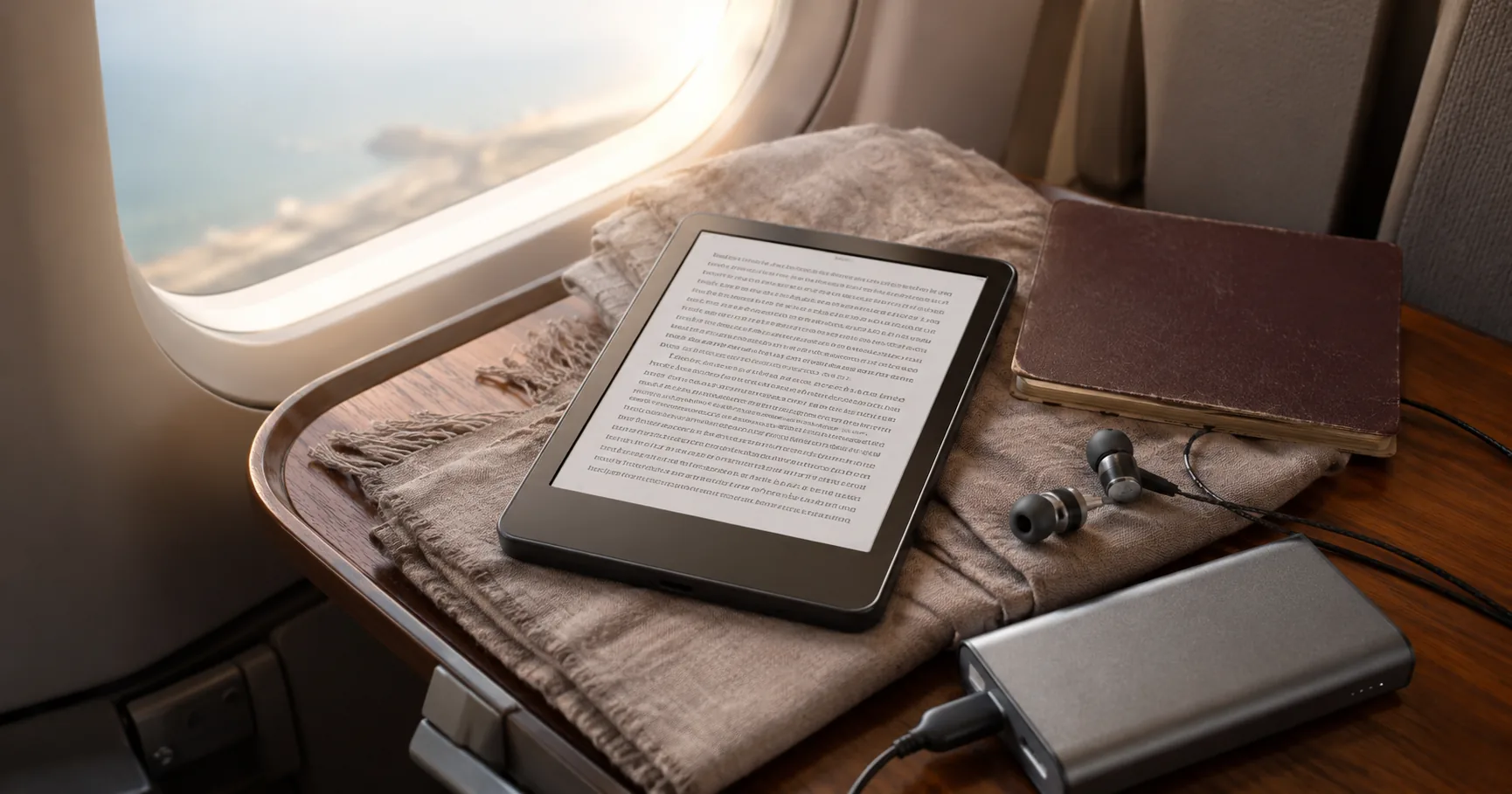
Start with the honest catch, because the marketing won't lead with it: the Paperwhite's waterproof rating is real, but it does not mean beach-proof. It's tested for fresh water, so a pool, a bath, or a sudden rainstorm is fine, and salt water is a different problem entirely. A quick ocean dunk leaves residue that dries in the charging port and slowly corrodes it. Sand is the quieter enemy, working into the screen edge over months. The waterproof badge sells the device for travel, then the two most common travel situations, surf and sand, are the ones it handles worst without a case and a rinse habit.
That said, a Kindle is the rare gadget that gets more useful the further you are from home. No app notifications, no internet needed once your books are loaded, a screen that still reads in direct sun, and a battery that lasts the trip. For travelers who actually read, the case for carrying one is strong. The real question isn't whether to bring a Kindle; it's which one, because Amazon sells several models that look nearly identical in the listings and behave very differently once they're in a backpack.
This guide treats the regular Paperwhite as the default and the others as alternatives for specific travelers. Below is what holds up on a long flight, by a pool, in a daypack, and across the kind of long trip where charging gets unreliable, plus the failure modes worth planning around before you go.
- Products analyzed
- 4
- Average rating
- 4.65
- Price range
- mid-range to premium
- Top rated
- Paperwhite 16GB (4.7)
- Most reviewed
- Paperwhite 16GB
Our Top Pick
The Kindle Paperwhite 16GB is the default travel e-reader. It's waterproof for fresh water, glare-free in direct sun, lasts weeks on a single charge, and charges over the same USB-C cable as your phone. For most travelers, it covers everything without paying for extras you won't use.
A Quick Look at the Lineup
| Product | Check |
|---|---|
| Amazon Kindle Paperwhite 16GB (newest model) – 20% faster, with new 7" glare-free display and weeks of battery life – Black | (opens on Amazon) |
| Amazon Kindle Paperwhite Signature Edition 32GB (newest model) – 20% faster with auto-adjusting front light, wireless charging, and weeks of battery life – Metallic Black | (opens on Amazon) |
| Amazon Kindle 16 GB (newest model) - Lightest and most compact Kindle, now with faster page turns, and higher contrast ratio, for an enhanced reading experience - Matcha | (opens on Amazon) |
| Amazon Kindle Colorsoft 16 GB (newest model) – With color display that brings covers and content to life, now highlight in color – No Ads – Black | (opens on Amazon) |
What Actually Matters for a Travel E-Reader
The features that look identical side by side turn out to matter very differently on the road. A few things to understand before you pick.
Weight and pocket fit. The basic Kindle is the lightest, and the Paperwhite is a touch heavier with its larger screen. The gap sounds trivial until you hold one in one hand for a couple of hours on a beach lounger or in a cramped airplane seat, where the lighter body is genuinely easier. Both are lighter than a paperback, so neither is a burden; it's a matter of which slips more easily into a jacket pocket versus needing a daypack pocket.
Battery in real life, not in the brochure. The advertised battery figures assume a short daily reading session with the wireless off and the light low. On an actual trip, reading for hours, brightness up at noon by the pool, syncing over hotel wireless, plan on roughly half of that. In practice, a Paperwhite easily covers a month-long trip on one charge, while the basic Kindle is more likely to need a mid-trip top-up on a long journey.
USB-C matters more than waterproofing for most people. All the current Kindles charge over USB-C, which means no special cable to pack. Your phone charger works, every airport kiosk works, and that one fewer cable is a real, recurring travel convenience. If you're upgrading from an older Paperwhite with the small legacy port, this alone is an underrated reason to do it.
Fresh-water rating, with limits. The Paperwhite, Signature, and Colorsoft are rated waterproof for fresh water, so pools, baths, and rain are fine. Salt water is excluded from the warranty and causes real corrosion, so if your trips involve the ocean, rinse the device in fresh water right after any salt contact and dry the port thoroughly before charging. Sand works into the bezel over time and scratches the screen coating, which a simple case prevents. The basic Kindle has no waterproof rating at all, which rules it out for any near-water reading.
Glare in direct sun is the whole point. All of these use e-ink that reads in direct sunlight without the wash-out you get from a phone or tablet. This is the underrated reason a Kindle beats a tablet for travel. The Paperwhite and Signature hold a slight edge for dim, shaded reading, while the basic model trails a bit in marginal light, and the color model is the dimmest of the group because of its filter layer.
Warm light is a sleep feature. The Paperwhite and Colorsoft can shift the light from white toward amber, and that's not just comfort. Reading on warm amber before bed doesn't disrupt sleep the way a phone's blue light does, which after a red-eye can be the difference between adjusting to a new time zone in a couple of days or twice that. The basic Kindle has no warm-light option.
The Kindles in Detail
Amazon Kindle Paperwhite 16GB (newest model) – 20% faster, with new 7" glare-free display and weeks of battery life – Black
The Kindle Paperwhite 16GB is the version most travelers should buy, and it holds the top rating in this lineup on the deepest review base. Its larger glare-free screen reads sharp in direct sun, it's rated waterproof for fresh water, a single USB-C charge lasts close to a month on real travel use, and the warm-light option helps with red-eye sleep recovery. It's the model that covers the most travel situations without asking you to pay for extras.
What you actually notice coming from an older Paperwhite is the speed. Page turns are quicker and typing into the store or searching your library feels snappy rather than laggy, which owners coming off older units consistently mention. Its storage holds far more books than any traveler needs; you'd only want the larger-capacity model if you also load lots of big PDFs or comics.
The honest weaknesses are the ones from the intro: the fresh-water rating doesn't protect against salt or sand, so a case and a rinse habit are non-negotiable at the beach, and there's no wireless charging unless you step up to the Signature. For most people neither is a dealbreaker.
Pros
- Larger glare-free screen that reads in direct sun
- Rated waterproof for fresh water, fine for pools, baths, and rain
- USB-C charging off the same brick as your phone
- Battery that realistically covers a long trip
- Warm-light option for easier night reading
Cons
- Salt and sand still cause damage, so it needs a case at the beach
- No wireless charging without paying for the Signature
Amazon Kindle Paperwhite Signature Edition 32GB (newest model) – 20% faster with auto-adjusting front light, wireless charging, and weeks of battery life – Metallic Black
The Paperwhite Signature Edition adds three things to the base Paperwhite: more storage, an auto-adjusting front light, and wireless charging. It shares the same screen, speed, and fresh-water rating, so the reading experience is identical; you cannot tell them apart in the hand.
The auto-adjusting light is the upgrade that actually pays off on a long trip. A sensor reads the room and shifts brightness from a dark hotel room to a bright gate without you touching the screen, and after a few days of manually nudging brightness on a regular Paperwhite, you understand why frequent readers buy this one. Wireless charging matters less than the marketing implies, since the dock is a separate purchase most travelers won't pack, though it's a nice daily habit if you keep a charging pad at home. The extra storage only matters if you carry graphic novels, illustrated books, or a PDF library.
Skip this if you read mostly prose and adjust brightness happily yourself; the premium buys features many travelers rarely touch.
Pros
- Auto-adjusting light removes a daily manual fiddle
- More storage for PDF and graphic-format libraries
- Wireless charging adds a small convenience at home
- Same waterproof, USB-C, and warm-light features as the base Paperwhite
- Available in a few colors, including more visible options
Cons
- The wireless charging dock is sold separately
- The premium covers features many travelers won't use
Amazon Kindle 16 GB (newest model) - Lightest and most compact Kindle, now with faster page turns, and higher contrast ratio, for an enhanced reading experience - Matcha
The basic Kindle is the lightest e-reader Amazon currently sells and the most affordable here. The latest refresh brightened the light, sharpened the text, and sped up page turns over the previous model, but it keeps a smaller screen and skips both waterproofing and the warm light. It's a deliberately stripped-down reader, and for the right traveler that's exactly the appeal.
It suits two people in particular. The first is the ultralight backpacker or thru-hiker counting grams, for whom the lighter body and pocketable size matter more than features. The second is the budget-minded traveler who reads in airports, hotels, and on transit and never near water, where the cheaper price is real savings and the indoor reading experience for prose is functionally the same as the Paperwhite. Owners frequently describe it as a dedicated travel reader that lives in a bag.
Skip this if you'll read anywhere near a pool or beach, or you read late at night; no waterproofing and no warm light are the trade-offs for the low weight and price.
Pros
- The lightest current Kindle, easiest to hold for hours
- Smaller screen that slips into a jacket or hip-belt pocket
- Same USB-C charging and distraction-free reading as the rest
- A meaningful price saving over the Paperwhite
Cons
- No waterproofing, so it's out for pool or beach reading
- No warm light makes late-night reading harder on the eyes
Amazon Kindle Colorsoft 16 GB (newest model) – With color display that brings covers and content to life, now highlight in color – No Ads – Black
The Kindle Colorsoft is the niche pick. It uses the same larger form factor as the Paperwhite, carries the same fresh-water rating, charges over USB-C, and includes warm light, but adds a color e-ink layer that brings covers, photos, recipe imagery, and illustrations to life.
Two things to understand. First, the color is intentionally muted; this is not tablet color. Owners describe it as soft, paper-like color, closer to a faded magazine page than a glowing screen. For some uses, cookbooks, photography books, kids' picture books on a family trip, that's exactly right. For straight prose, color is something you'll rarely notice. Second, the color filter slightly softens black-and-white text, so novels look a touch crisper on the regular Paperwhite, and battery life runs a bit shorter as well.
Skip this if you mostly read novels; the Paperwhite renders prose more sharply, lasts longer, and costs less. The Colorsoft earns its place only when reading in color is a genuine reason for the trip.
Pros
- Color e-ink for cookbooks, picture books, and graphic novels
- Same fresh-water rating, USB-C, and warm light as the Paperwhite
- Color highlighting for the books you mark up
- Reads in direct sun with the same glare-free advantage
Cons
- Soft, muted color rather than the saturated look of a tablet
- Prose looks slightly less crisp, and battery runs a bit shorter
What Goes Wrong on the Road
A few failure modes are common enough to shape which model and accessories you buy.
Salt water is the waterproof loophole. The rating covers fresh water only. Salt residue dries into the port and slowly corrodes the contacts, and ocean readers who don't rinse often end up replacing the unit. If ocean reading is the point of the trip, rinse the device in fresh water right after any salt contact and let the port air-dry well before charging.
Sand is the silent killer. Fine grit works under the screen edge and, over months, scratches the coating from the inside. A simple foldable case eliminates the problem and protects against small drops too. It's the single cheapest insurance for a beach traveler.
Lost units happen. Plenty of travelers leave a Kindle on a flight or in a hotel. Your library is safe because it syncs automatically, but you're without a reader for the rest of the trip. A brightly colored case makes a forgotten device easier to spot, and adding your name and an email to the device's documents settings is a free, thirty-second insurance step.
Security and customs are usually a non-issue. A Kindle rides in carry-on without restriction and doesn't need to come out of the bag at standard checkpoints. Occasionally an airport will ask you to power it on to confirm it works, so keep it charged enough to do that. Checked luggage works but isn't ideal given handling and cabin pressure.
A dead battery abroad is avoidable. Keep airplane mode on except when downloading a new book, which saves a large chunk of battery, and carry a small USB-C power bank. A single power-bank charge buys a Paperwhite roughly another week of reading.
When a Kindle Isn't the Right Travel Device
Being honest about this saves a wasted purchase.
If you mostly read layout-heavy material, technical books, large-format PDFs, art monographs, music scores, a tablet's bigger screen and pinch-zoom serve you better, and a larger writing-focused Kindle only partly bridges that gap. Audiobook-first travelers don't need a Kindle at all; a phone and good headphones do the job.
If you read in a script the Kindle store covers thinly, check your reading list before buying. The store handles English exhaustively and most major European languages well, but coverage thins for smaller publishing markets and some scripts. Travelers reading in less-covered languages often do better with a different e-reader ecosystem or by sideloading PDFs.
And if you only ever read on short flights and brief transit, a dedicated reader may not be worth it if you'd otherwise read on your phone. The Kindle case is strongest for trips longer than a week, for daily readers, and for anyone who dislikes reading on a phone screen at night.
How to Choose Your Travel Kindle
Most travelers should buy the regular Paperwhite. It's the right balance of weight, screen size, waterproofing, and battery, and it costs less than the upgrades. The Signature pays off only for heavy readers who travel often and lean on auto-brightness daily. The basic Kindle is right if you're ultralight-backpacking or budget-focused and never read near water. The Colorsoft is for a specific color need, cookbooks, picture books, graphic novels, and the wrong default for everyone else.
If you're coming from an older Paperwhite with the legacy charging port, the move to USB-C alone makes upgrading worthwhile. If you're on a fairly recent Paperwhite, the newer model is faster but only modestly different, so it's worth it mainly if you read for hours daily and want the slightly larger screen.
One small travel tip: device color matters more on the road than at home. A black Kindle vanishes into a dark hotel drawer, while a brighter finish is easier to spot and recover. The slight premium for a visible color is worth it specifically for travel.
Is the Kindle Paperwhite actually safe at the beach?
It's rated for fresh water, so pools, baths, and rain are fine. Salt water is not covered and will corrode the charging port over time, and sand scratches the screen edge. For beach trips, use a case and rinse the device in fresh water immediately after any salt contact, then let the port dry fully before charging. With those habits it's fine; without them it's risky.
How long does the battery really last on a trip?
Plan on roughly half the advertised figure once you account for hours of daily reading, higher brightness, and syncing over wireless. In practice a Paperwhite comfortably covers a month-long trip on one charge, while the basic Kindle is more likely to need a mid-trip top-up. Keeping airplane mode on except when downloading books stretches it considerably further.
Can I bring a Kindle on a plane in carry-on?
Yes, with no restriction, and you don't need to take it out of your bag at standard security checkpoints. Switch it to airplane mode for takeoff and landing; your books read normally without any wireless connection. Just keep it charged enough to power on if an airport ever asks you to demonstrate that it works.
Do I need the Signature Edition for travel?
Most travelers don't. The auto-adjusting light is a pleasant daily convenience, the wireless charging needs a separate dock most people won't pack, and the extra storage is overkill for prose readers. The regular Paperwhite covers nearly all travel situations for less money, so the Signature only makes sense for frequent, heavy readers.
Is the basic Kindle waterproof enough for travel?
No, it has no waterproof rating at all. It's perfectly good for airports, hotels, and indoor reading, but it's ruled out for any pool, beach, or rainy outdoor reading. If your travels take you near water even occasionally, step up to a Paperwhite; if you only ever read indoors and want the lightest, cheapest option, the basic model is fine.
Does the Colorsoft make sense for travel?
Only for specific needs like cookbooks, picture books for kids on long flights, or graphic novels, where the muted color e-ink genuinely adds something. For straight prose it's the wrong choice: the regular Paperwhite renders text more sharply, costs less, and lasts longer on a charge. Treat the Colorsoft as a niche pick rather than a default travel reader.